
What kind of marking does WISEflow support?
How WISEflow supports flexible, secure marking with blind and double-blind workflows, multiple assessors, automated scoring and structured feedback.
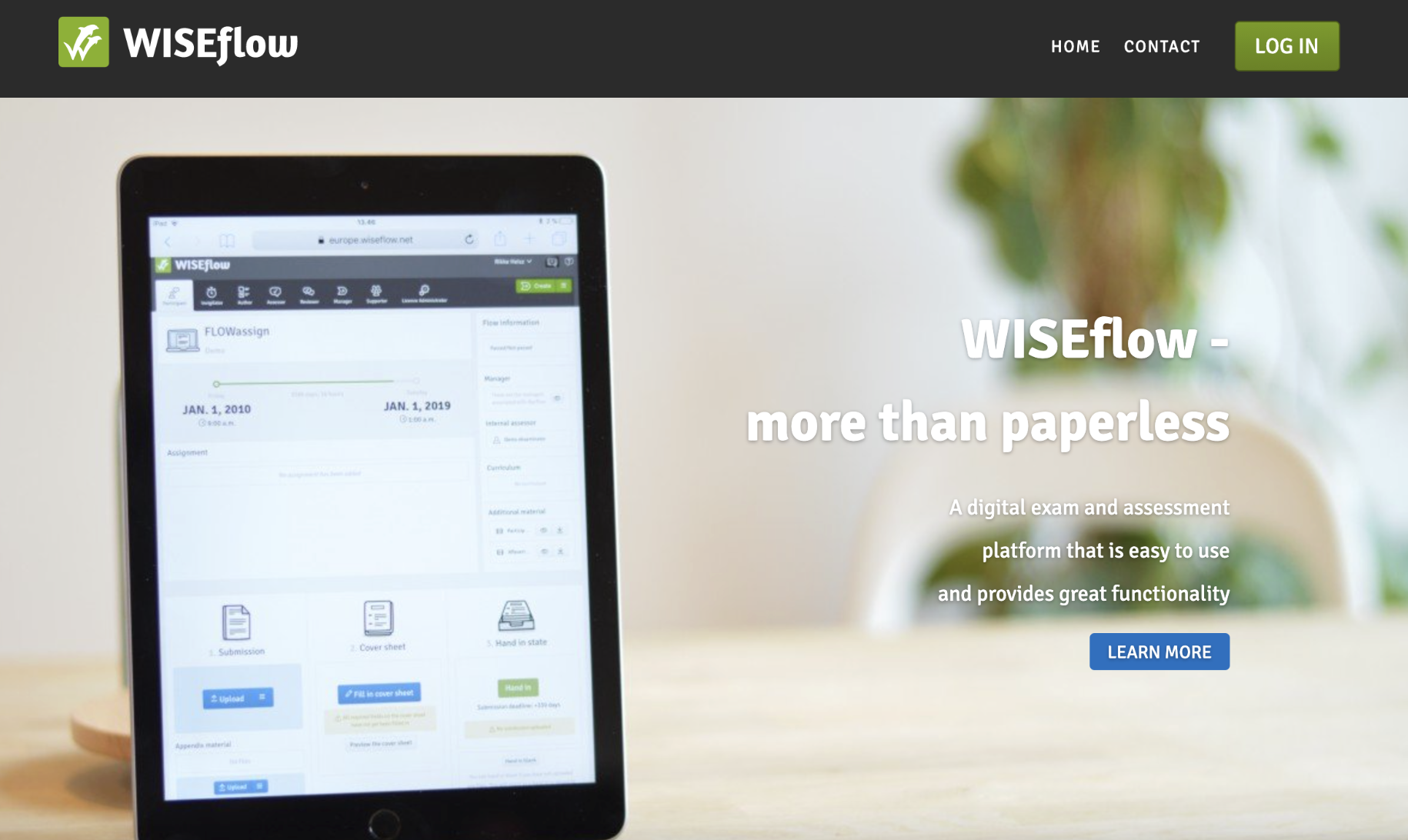
Marking, commenting and grading is an essential part of any exam situation. Since exams and assessments take on many formats and require different forms of marking, great versatility in marking is paramount in a digital exam platform. The tools for marking in WISEflow reflect this importance.
WISEflow offers a wide variety of functionalities when marking exams, providing assessors with many options to suit their specific needs.
WISEflow's marking functionalities
When an exam is ready for marking, assigned assessors are notified by email. WISEflow offers a visual representation of the exam and assessment process, alerting assessors of ready-to-mark material by displaying a bright green arrow on the screen, signifying that the assessment period has started. Furthermore, the licence administrator can set up automatic email notifications for assigned assessors.
WISEflow supports both blind and double-blind marking, giving complete anonymity to both assessors and students, while the administrative staff can trace both parties to their root user for a full overview of all submissions. Anonymity given in WISEflow is very flexible and can be configured in a multitude of ways per exam to support the marking wanted.
WISEflow also allows for simultaneous marking, commenting and grading by multiple assessors on the same exam. All assessors will be notified of any added comments and marks given while marking the exam by pop-up messages. Different segments of the exam can be distributed to different assessors. Allocating assessors to either specific segments of the exam or specific students is easily done by the exam manager.
Creating marking guides in WISEflow
When authoring exam questions, you can define validation of the students’ answers by either setting up parameters for auto-validation of questionnaires or by creating marking guidelines for other types of exams.
Defining auto-validation is done in the question bank tool where correct and alternate responses to each question can be specified and allocated a score. For other exam types, an author can choose to create a marking guideline or give an example of a correct answer which can be shared with co-assessors through WISEflow’s tool for assessors.
Furthermore, WISEflow offers automated marking for multiple-choice and short answer questions. Automation also applies to long answer questions, based on pre-configured answers, as long as the student’s answer is perfectly matched for the pre-configured answer or a certain string. WISEflow also allows assessors the possibility of adding marks and comments to individual questions in the exam.
Distributing the exam results after marking
All exam results are available for export to Excel in .csv format. Results can also be shown in your institution’s Learning Management Portal (e.g. Canvas or Blackboard) through WISEflow’s API.
The entire marking, commenting and grading process is easily managed by assessors, even with minimal training in the WISEflow functionalities. This is due to the straightforwardness of the WISEflow interface, which is consistent in its use of predictable elements and clear navigational structure.
The interaction with WISEflow is likewise comfortable and effortless. User actions are either reversible or require active confirmation before execution, providing a great sense of security for the users. Furthermore, all user inputs are validated and cannot be entered in a way that introduces system errors or illegal behaviour in the system.
We are here to help
Whether you are just starting with digital assessment or want to get more out of it, we are happy to share how other institutions run it in practice. Please reach out or request a demo.

Frequently asked questions
WISEflow supports a wide range of marking methods, including manual marking, automated marking, blind marking, double‑blind marking, and collaborative marking by multiple assessors—allowing institutions to tailor workflows to different exam formats and requirements.
Assigned assessors receive email notifications when marking begins. Within WISEflow, visual indicators clearly show when exams are ready to be marked, making it easy to stay on top of assessment deadlines.
Yes. WISEflow supports simultaneous marking, commenting, and grading by multiple assessors. Assessors are notified in real time when comments or grades are added, and exam managers can assign assessors to specific students or exam sections.
Absolutely. WISEflow offers highly configurable anonymity settings, supporting both blind and double‑blind marking. While students and assessors remain anonymous to each other, administrators retain full traceability for oversight and quality assurance.
WISEflow supports automated marking for multiple‑choice and short‑answer questions and allows authors to define validation rules in advance. For other exam types, assessors can use marking guidelines or model answers shared directly within the platform.
Results can be exported in CSV format and shared with institutional systems via WISEflow’s API, allowing grades to be displayed in Learning Management Systems such as Canvas or Blackboard quickly and securely.